How to Store Smart Lock Codes for Rental Properties — Without a Sticky Note
Where should rental hosts keep smart lock codes, alarm PINs, and lockbox combos? A security-minded guide to storing and sharing access codes for STR properties.
A smart lock code is a password that opens a physical door. Yet hosts who would never email their bank password will happily keep door codes in a group text, a notes app, or a spreadsheet titled "PROPERTY INFO — DO NOT SHARE." This guide covers how to store and share access codes for rental properties with the seriousness they deserve — without making daily operations slower.
Know your code types
- Guest codes — temporary, ideally generated per reservation. Airbnb can sync compatible smart locks to create per-stay codes automatically; use that wherever possible.
- Operational codes — for cleaners, maintenance, and co-hosts. Semi-permanent and shared with a small circle.
- Master codes and overrides — the lock's programming PIN, alarm master code, lockbox backup. These should be known to almost no one and stored most carefully.
Guest codes are a solved problem — your PMS or the Airbnb smart lock integration handles them. The real risk lives in the second and third categories, which rotate rarely and get shared informally.
The three failure modes
Exposure
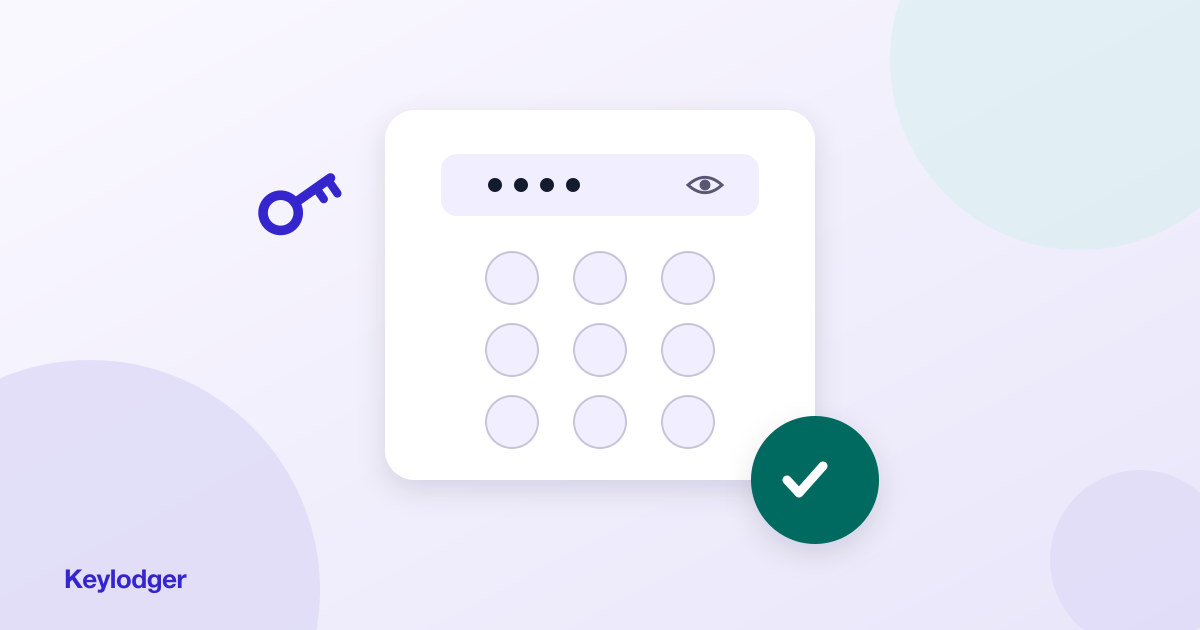
Plain-text storage means anyone who sees the screen, the shared doc, or the text thread sees the code. The fix: storage that masks sensitive values by default and reveals them only on an explicit tap. Shoulder-surfing and screen-sharing accidents stop mattering.
Drift
You rotate the code after a contractor job (good practice — do it), but the new code only makes it into some of the places the old one lived. Now your records actively lie to you. The fix is structural: one home per fact, so rotation is a single edit.
Unavailability
The opposite failure: the code is stored so safely you can't produce it when the alarm is blaring and the monitoring company is on the phone. Security that defeats retrieval gets bypassed — people fall back to sticky notes. A real system is both safe and fast.
What about password managers?
1Password and friends are excellent for web credentials, and far better than a notes app. But they're organized around logins to websites, not around properties. "Front door code, lake house" doesn't have a URL. Once you manage several properties each with locks, alarms, gates, WiFi, and utility logins, you want records organized by property with searchable, labeled fields — not a flat vault of items.
Keylodger was designed exactly for this shape of data: each property holds its access section alongside WiFi, contacts, and utilities; sensitive fields are hidden by default and revealed or copied with one tap; and search spans your whole portfolio. Secure enough for master codes, fast enough for the porch at midnight.
A sane code hygiene routine
- Rotate operational codes quarterly and after any vendor turnover
- Never reuse one code across properties
- Keep master/override codes out of any shared text thread, permanently
- Audit twice a year: list every code, confirm your records match the locks