The Property Management Spreadsheet: Why Hosts Outgrow It (and What to Use Instead)
Property management spreadsheets work until they quietly fail — stale codes, mobile misery, zero security. Here is when to switch and what to use instead.
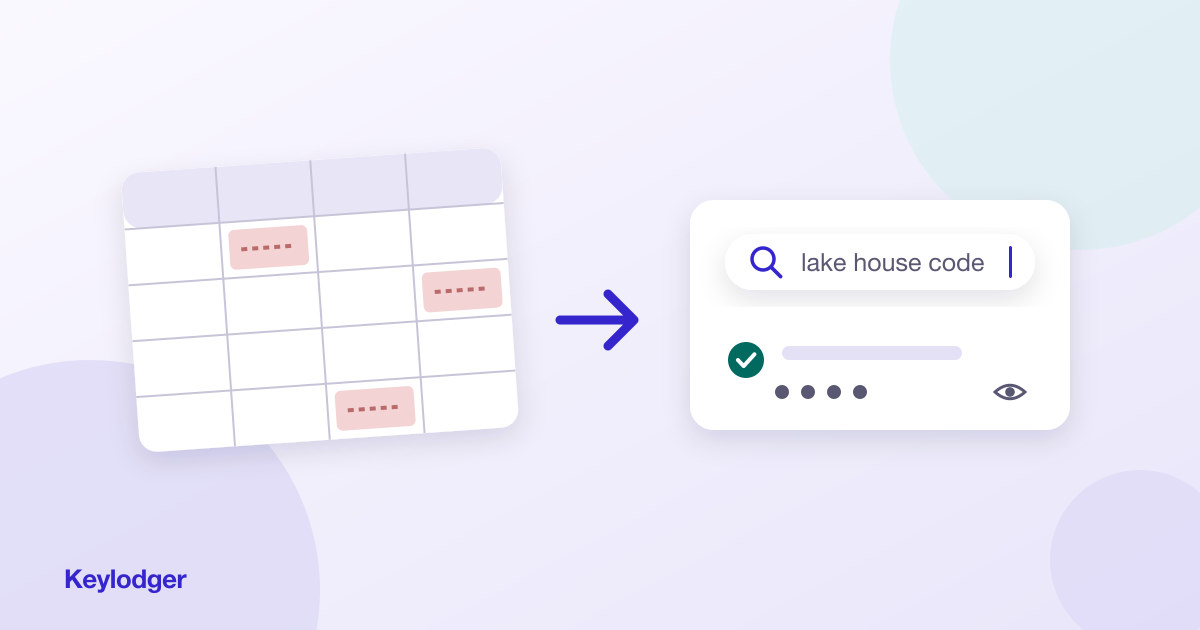
Every property business starts with a spreadsheet. It's free, flexible, and for one property it genuinely works: a tab for the house, rows for WiFi, lock codes, the cleaner's number, utility accounts. If that's where you are, keep going — this article is about recognizing the moment the spreadsheet stops working, because it fails quietly, not loudly.
The four quiet failures
1. Stale data you can't detect
A spreadsheet has no single source of truth discipline. The lock code changes; you update the sheet but not the note you texted your co-host, or vice versa. Nothing flags the inconsistency. You discover it when the cleaner is standing on the porch punching in a dead code.
2. Mobile retrieval is miserable
Spreadsheets are built for desktop editing, not phone lookup. The moment you need information — guest waiting, contractor on the line — you're pinch-zooming a grid, scrolling sideways, and long-pressing a cell to copy half of a password. Friction at retrieval time is what kills information systems, because you stop trusting them under pressure.
3. Everything is visible to everyone, always
A shared sheet shows your alarm codes and lock combinations in plain text to anyone with the link — and to anyone glancing at a screen. There's no "hidden by default, reveal on demand." For credentials that open physical doors, that's a real exposure, as we cover in storing smart lock codes securely.
4. Search degrades as you grow
Ctrl+F works on one tab. By property number four you have tabs, merged cells, and color-coding only you understand. Finding "the HVAC guy for the cabin" means remembering where you wrote it — the system now depends on your memory, which is the thing it was supposed to replace.
What the upgrade actually requires
The fix isn't a bigger spreadsheet or a $300/month PMS — property management systems are reservation engines, and your operational facts get buried in their settings screens. The upgrade is a tool purpose-built for information retrieval:
- One structured record per property, so updates land in exactly one place
- Search that works across the whole portfolio in a single query
- Sensitive fields masked by default, revealed on tap
- One-tap copy, designed for a phone in one hand
- Flexible sections so "pool heater quirks" fits as naturally as "WiFi"
That's the exact shape of Keylodger. It's the spreadsheet's replacement for the job the spreadsheet was quietly failing at: not bookkeeping, not bookings — just instant, secure answers about your properties. Migrating one property takes about twenty minutes.
Rule of thumb: at one property, a spreadsheet is fine. At two or three, you'll feel the cracks. Past that, every week you stay on the sheet costs you more time than the switch would.